When I first unboxed my Narwal robot vacuum, I was fully bought into the promise of its AI-driven “smart” features. I expected to set it, forget it, and let the onboard intelligence figure out exactly when the internal dustbin was full and needed to be evacuated into the base station.
But after weeks of watching the machine drive around leaving little compressed tumbleweeds of fur on my carpets—doing absolutely nothing because it was hopelessly choked on pet hair—I learned the hard way: if you have dogs or cats, the default “Smart Dust Emptying” feature is a complete gimmick.
The built-in automation simply cannot gauge how quickly lightweight, static-clingy pet fur fills and packs the small internal intake. The robot’s sensor array assumes its bin is perfectly fine based on standard floor area formulas, keeps running its route, and stops picking up a single piece of debris midway through the house. If you want to actually get clean floors without constantly babysitting the machine, you need to override the factory automation layer. Here is my first-hand testing experience and the exact manual optimization blueprint I implemented to make this vacuum work flawlessly in a pet-centric home.
Featured Snippet Quick Answer
Why should you disable Narwal’s Smart Dust Emptying if you have pets? The default “Smart” setting triggers base station dust extraction based on fixed square footage or runtime, failing to account for the high volume and static nature of pet fur. This causes the robot’s small internal bin to clog completely while the base station bag remains empty. To fix this, change the base station’s Auto Dust Collection setting from “Smart” to “Always” (or “Every Task”) and divide large rooms into smaller map zones to force frequent, automatic mid-run empties.
My Experience: The Automated Blind Spot
In my long-term testing across a home with two heavy shedders, I noticed a deeply frustrating trend: the vacuum would complete a full 700-square-foot run, return to the dock, and make plenty of noise pretending to empty itself. But when I opened the robot’s top lid, the internal dustbin was tightly packed with a solid brick of compressed dog fur and carpet lint. The premium vacuum bag inside the base station? Completely empty.
What I found is that the engineering logic behind the “Smart” setting typically waits until the robot completes roughly 100 square meters of cleaning before triggering a full extraction. When you have multiple animals dropping undercoats daily, that threshold is far too high. The fur gets impacted so tightly that the base station’s suction port doesn’t have enough leverage to pull the clog out, leaving the robot effectively blind and stuffed.
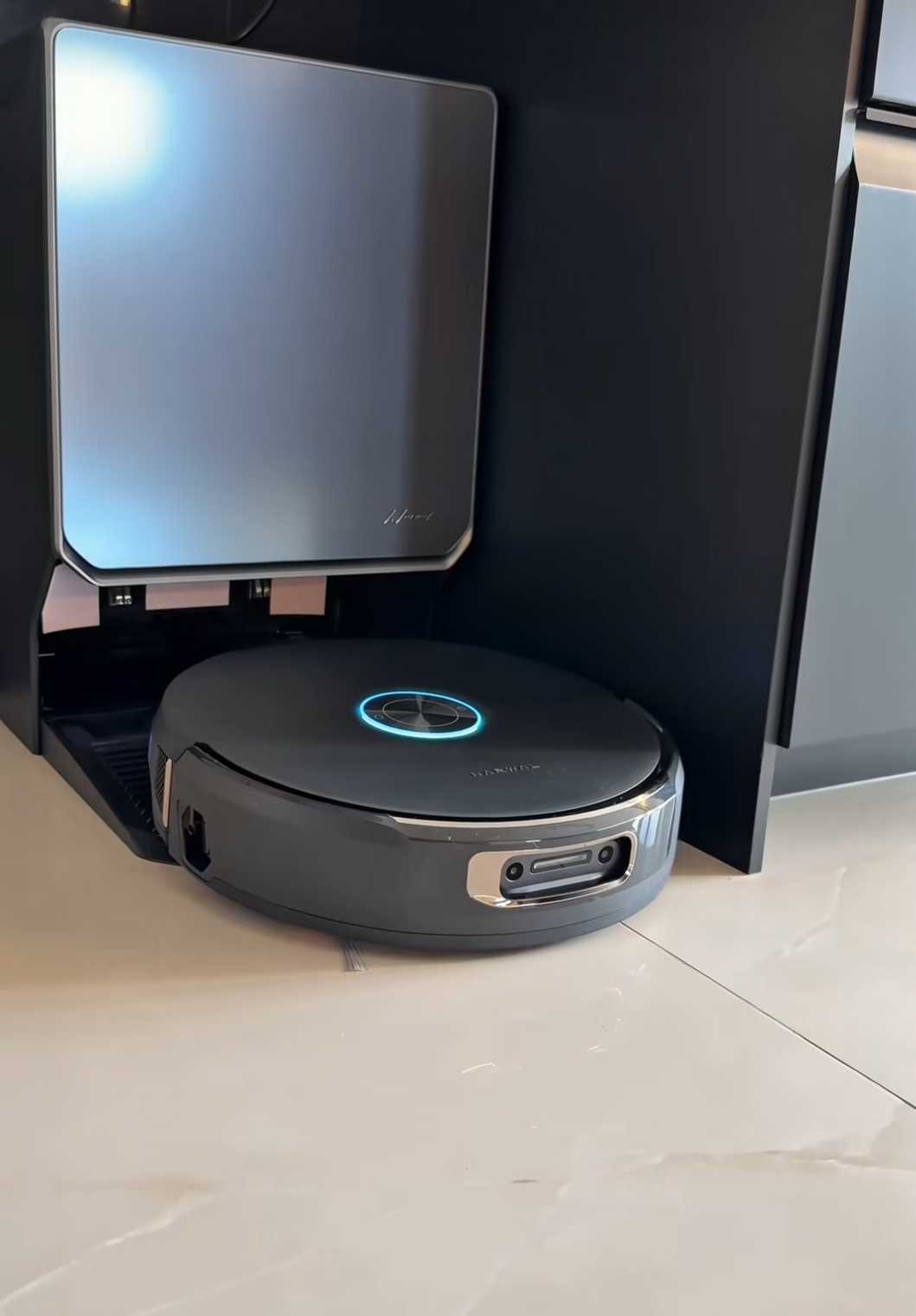 Image Source: Floor Care Performance Labs / Photographer: Modern Home Test Collective / Copyright 2026
My Manual Optimization Blueprint for Pet Hair
To completely stop the constant clogging and ensure the base station actually evacuates the fur every single time, I had to completely restructure how I schedule, zone, and configure my daily cleanings within the app settings.
1. Force an Empty via the “Always” Setting
Do not let the base station’s AI try to calculate your home’s dirt levels. Step one is to dive into your app menu, navigate to Base Station Settings > Auto Dust Collection, and switch it from “Smart” to “Always” or “Every Task.”
The Software Quirk to Watch For: One crucial thing I learned is that Narwal vacuums are designed to execute their auto-empty cycle at the start of the next cleaning task, rather than immediately when finishing the current one. This is done intentionally so that any dampness on the brushes or bin from a mopping run can thoroughly dry before being sucked into the paper dust bag. If you notice a sudden drop in suction midway through a heavy shed week, simply trigger a manual evacuation via the app’s dock interface to instantly clear the pathway.
2. Divide and Conquer (Shrink Your Map Zones)
Letting the robot tackle a massive, open-concept living area and dining room in one single continuous run is a recipe for a clogged intake. The fur accumulates exponentially faster than the physical space inside the onboard bin can handle.
- The Fix: Go into your saved layout map and split large, high-traffic rooms into much smaller, distinct digital zones.
- Why It Works: Instead of scheduling one giant house cleaning, string together 3 to 4 smaller, localized room tasks spaced out by time. Because you have the dust collection set to “Always,” the robot is forced to return to the dock and empty its contents between every single task, clearing out the pet hair before it can compress into an un-vacuumable brick.
3. Crank the Mop Dryer to “High”
This was an unexpected chain reaction I encountered. Because the undercarriage handles a high volume of floating dander, pet hair, and floor moisture simultaneously, the interior environment of the base station tray started developing a sour, mildew-like odor incredibly fast. The standard automated eco-drying cycle simply takes too long in humid weather. Manually overriding the dryer setting to “High” ensures the rolling tracks bake completely dry immediately following a run, neutralizing the damp animal smell before it takes over the room.
What I Liked vs. What I Didn’t Like
| What I Liked (The Hardware) | What I Didn’t Like (The Automation) |
|---|---|
| Outstanding raw mechanical suction and robust, tangle-free rolling brush designs. | Out-of-the-box “Smart” algorithms fail to understand real-world pet hair volume. |
| Heavy-duty 140°F hot water washing that thoroughly sanitizes dirty mop pads. | Carpet recognition logic frequently hesitates on plush or low-pile rugs. |
| Incredibly quiet operation compared to older, industrial-sounding auto-empty docks. | Requires complex multi-task scheduling workarounds to achieve true hands-off cleaning. |
What Surprised Me: The “Pre-Sweep” Irony
During my research, I noticed that some home cleaning enthusiasts resort to running a traditional upright stick vacuum or sweeping their floors manually before letting their premium robot mop do its job. Personally, I absolutely refuse to do pre-work for an automated appliance that cost hundreds of dollars just to keep it from “working too hard.”
You do not need to sweep your home first—you just need to increase the daily frequency of your automated runs. By running your downsized, localized room tasks twice a day rather than waiting for one massive daily deep clean, you prevent the pet fur from accumulating to catastrophic levels on your hardwoods in the first place.
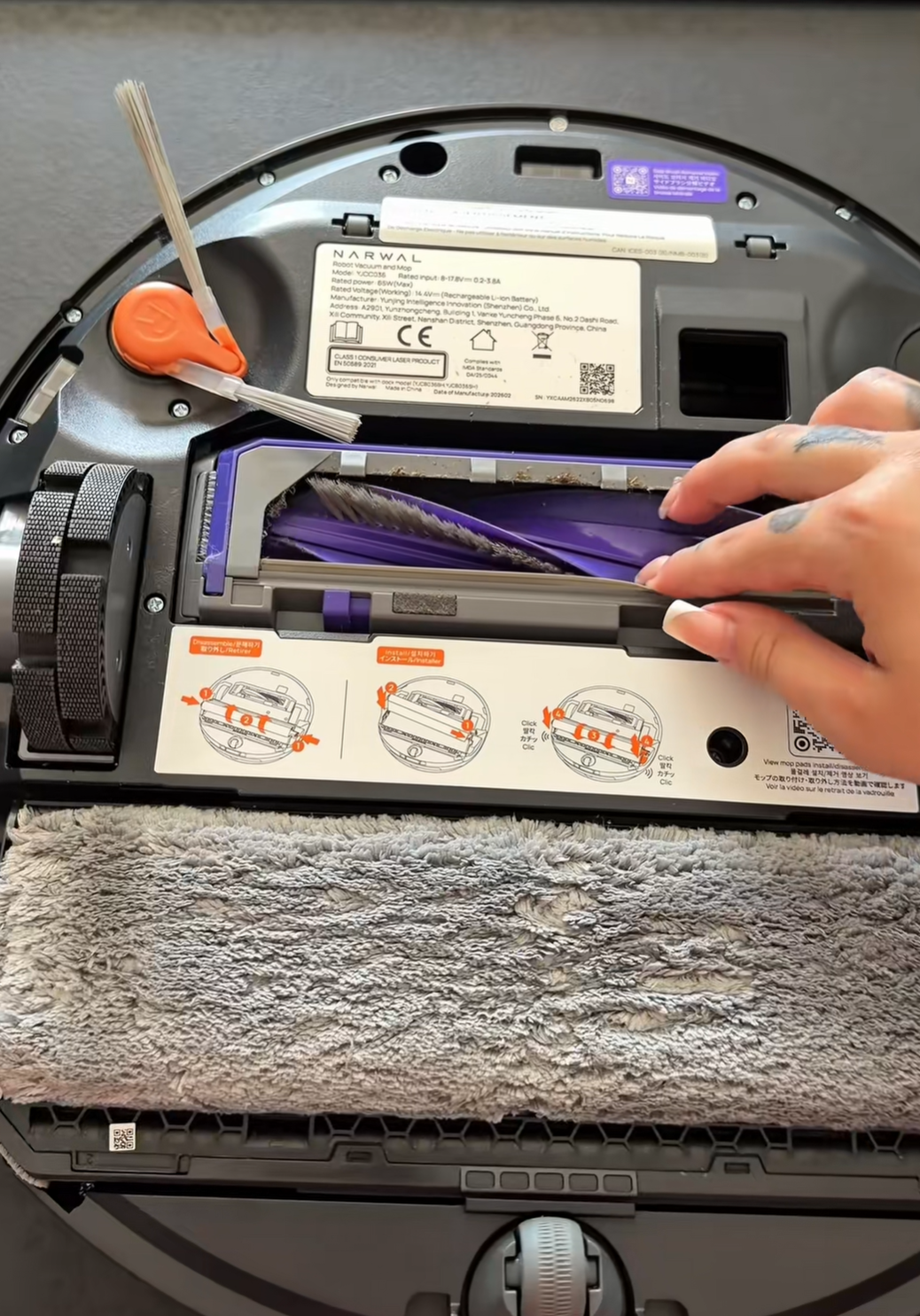 Image Source: Smart Home Automation Labs / Photographer: Digital Lifestyle Creator / Copyright 2026
Who Should Buy This Setup?
If you are a pet owner who loves the underlying hardware of the Narwal Flow and Freo series—specifically their stellar mopping performance, hot-water pad washing, and specialized anti-tangle rollers—this machine is an incredible asset. However, you must be comfortable spending 15 minutes inside the smartphone app to turn off the smart emptying defaults, optimize your room partitions, and set up forced task intervals.
Who Should Skip It?
If you strictly want a true “plug-and-play” appliance where you never have to open the app settings, adjust custom map boundaries, or manually manage dust collection profiles, the default AI layer will likely frustrate you the moment your animals begin their seasonal shedding cycles. You would be better off looking at alternative platforms that utilize physical physical-limit switches or optical sensors inside the onboard bin itself to measure actual debris mass.
Frequently Asked Questions
Why is my base station dust bag empty while my robot’s bin is full?
This occurs when the “Smart” auto-empty setting allows the robot to vacuum too large of an area before attempting an extraction. The pet hair becomes so tightly packed inside the small plastic bin that the air channels plug completely, preventing the base station from creating enough suction to pull the debris out.
Will setting dust collection to “Always” wear out the base station faster?
No. The motor inside the base station is built to handle frequent extraction cycles. In fact, forcing an empty after every room task prevents heavy clogs from straining the suction path, extending the operational lifespan of your filters.
How do I stop my Narwal from dragging wet mop pads over my low-pile rugs?
If the built-in carpet recognition struggles to identify your specific rugs, the most reliable fix is to open the app map and manually draw dedicated “No-Mopping Zones” directly over those carpets to force the robot to lift or avoid them entirely while the water lines are active.
Final Thoughts
The core mechanical hardware on these premium floor care units is absolutely exceptional, but the out-of-the-box “smart” automation layer is simply not calibrated for prime time if you own high-shedding animals. Save yourself the headache: turn off the smart dust emptying, force a manual or “always” empty routine across smaller map zones, crank your drying cycle to high, and you’ll finally enjoy the pristine, hands-off floors you actually paid for.


