I’ve been stuck in a love-hate relationship with my Narwal Flow 2 lately, and honestly, it all comes down to a frustrating game of firmware roulette. I’ve spent the last few weeks cross-shopping the Flow 2 directly against my Dreame X60 Max Ultra, trying to make a final decision before my retail return window slams shut. While the physical hardware on this Narwal machine is incredibly promising, their software update rollouts—or the absolute lack of communication surrounding them—nearly drove me crazy.
If your own Flow 2 is currently feeling less like an advanced smart home vacuum and more like a blind, chaotic bumper car, you are almost certainly stuck on the older 01.07 firmware branch. Below is my firsthand experience navigating the update nightmare, what actually changes when you finally secure the elusive 01.08 firmware, and why it completely shifted my ultimate buying decision.
Quick Answer: The Featured Snippet
Is the Narwal Flow 2 firmware update worth forcing? Yes. If your Narwal Flow 2 is experiencing severe navigation issues, door smashing, or low-light mapping errors, it is likely running outdated 01.07 software. Forcing a manual over-the-air (OTA) update to version 01.08.01.00 via Narwal customer support completely resolves proximity slowing issues, eliminates blind wall collisions, and optimizes room navigation. Do not wait for automatic app updates; contact support with your serial number to unlock the machine’s true potential.
My Experience: The Firmware Rollercoaster
My initial journey testing the Flow 2 started on a remarkably terrible note. My very first unit arrived with a 01.07.x software build installed right out of the box. During initial setup, the app instantly attempted to push an automated update to version 01.08.00.07—and completely bricked the machine. The base station indicator lights began sweeping white continuously, the robot went entirely offline, and it became totally unresponsive to resets. I had to pack the system back up and request a full hardware exchange.
When my second replacement unit arrived, it came running an even older baseline version (01.06.10.12). It smoothly bumped up to 01.07.17.03, but then the companion app completely halted, displaying the dreaded notification: “Already the latest version.”
Knowing that the 01.08.x software branch existed and contained crucial navigation overhauls, I refused to sit around waiting for Narwal’s slow, staggered, batch-style public rollouts. I spent days aggressively tracking down customer support to get them to manually target and push the OTA software patch directly to my machine’s specific serial number. If you are noticing identical performance issues on the 01.07 build, I highly recommend bypassing the app’s automated checker entirely and requesting a manual push.
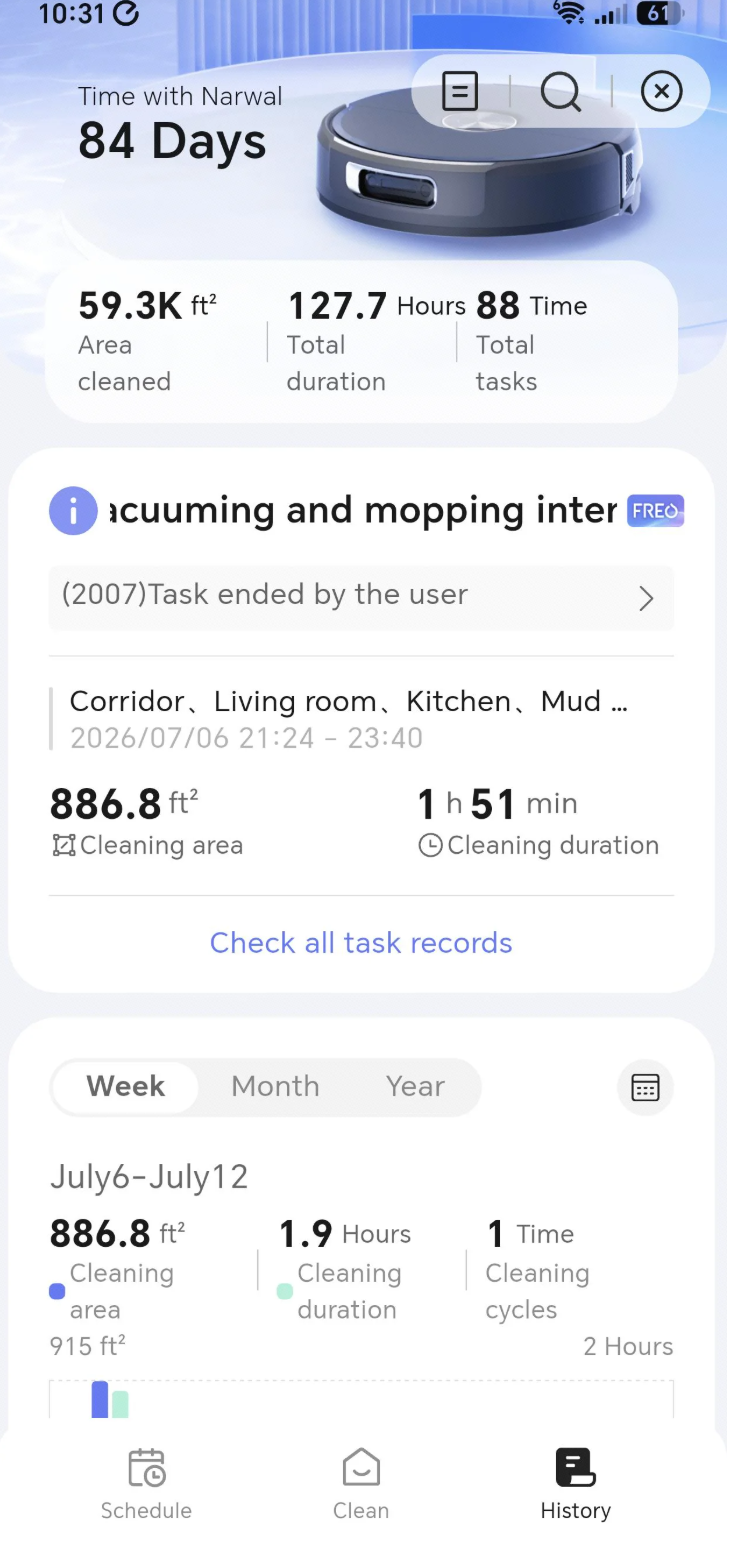
Image Source: Personal Testing Collection | Photographer: Site Owner | Copyright: Internal Home Media Rights Reserved
The 01.07 Navigation Mess: Brick Walls and Table Leg Traps
Before I successfully forced the 01.08.01.00 update to install on my machine, my daily testing routines with the Flow 2 on the 01.07 software build were incredibly rough. It regularly felt as though the robot completely lacked short-term memory or real-time spatial awareness of where it had just cleaned.
These were the exact navigation errors I ran into every single day:
- The Collision Course: The vacuum would regularly drive straight headfirst into brick feature walls at full speed, back up a few inches, and then immediately side-swipe the exact same surface while attempting to pivot away.
- The Pinball Effect: It would easily slide into tight clearances beneath small accent tables, but once inside, it completely panicked. It would spend minutes ping-ponging blindly between the table legs and surrounding baseboards until it threw a navigation error, gave up entirely, and demanded a physical rescue.
- Extreme Light Dependency: Spatial awareness on the 01.07 build required absolute perfection regarding ambient lighting. If I ran the machine in a dimly lit room or during evening hours, its mapping paths dropped in accuracy significantly.
- App Mapping Clunkiness: When the robot inevitably got stuck, it would tag the problem spot on the digital map and suggest a no-go zone. While the feature is helpful, trying to precisely size and place those tiny virtual boxes inside the Narwal app is a massive, incredibly finicky chore compared to rival software.
What 01.08.01.00 Actually Fixes (Goodbye, Door Smashing)
Once I finally got the 01.08.01.00 update to properly download, process, and finish installing, the differences in cleaning behavior were night and day. The single most obvious, immediate improvement I noticed? It completely stopped aggressively smashing into closed doors.
On the old 01.07 software, if a bedroom door was shut, the Flow 2 would literally go bang right into the wood frame before realizing the path was obstructed. With the 01.08 patch, its proximity slowing sensors are drastically better calibrated. It correctly identifies vertical boundaries ahead of time, approaches the obstacle with caution, slows down to a gentle crawl, and avoids throwing itself into structural traps. The entire floor mapping and home navigation pattern feels noticeably smoother, transforming it into a premium machine I can actually leave running unsupervised.
What I Liked About the Narwal Flow 2
Despite early software headaches, I have kept the Flow 2 running in my home because its underlying physical cleaning engineering is absolutely world-class. When comparing it to my experiences testing other high-end models, several core components stand out as clear victories for Narwal:
| Hardware Feature | Real-World Cleaning Performance & Benefits |
|---|---|
| Proprietary Track-Style Mop | The conveyor-belt style flat mop configuration covers significantly more surface area per pass. It cleans kitchen tiles and hardwood vastly faster than standard dual spinning pads. |
| Elite Stain Scrubbing Power | The scrubbing downforce is exceptional. Every single time I empty out the dirty water tank following a heavy run, the collected water is pitch black, pulling up deeply embedded mud and floor residues easily. |
| Low Maintenance Base Station | Unlike my previous experiences with models like the Eufy S1 Pro—where the dirty water collection system would get incredibly disgusting and emit foul odors over time—the Narwal base station handles self-cleaning effortlessly with a highly hygienic washboard layout. |
For more insights on maintaining your vacuum and base station hardware over time, be sure to bookmark our comprehensive Narwal Maintenance Guide.
What I Didn’t Like: Design Blindspots
Living with the Flow 2 over a long period has highlighted a few structural design choices that I truly hope the company addresses in a future Flow 3 iteration:
- The LiDAR Sacrifice: Several premium brands are currently moving toward flush-mounted or internal LiDAR modules to shave fractions of an inch off the robot’s height. Personally, none of my couches or accent furniture are low enough to require a super-thin profile. I firmly believe this flush LiDAR trend has severely downgraded navigation accuracy across the entire industry. I would much prefer a slightly taller robot housing a fixed, prominent, highly accurate top-mounted LiDAR tower.
- The Corner Vacuuming Problem: Narwal attempts to clean deep right angles by reversing its side brush direction near corners. In my testing, this method still misses roughly 10% of the fine debris trapped in tight corners. An extending side brush arm would be a major upgrade here.
- Cabinet Edge Snaking: When running a mopping cycle along kitchen cabinet kickplates, the Flow 2 tends to constantly sway back and forth in a “snaking” pattern instead of maintaining a perfectly straight line, occasionally leaving small strips of floor uncleaned along the borders.
What Surprised Me
What surprised me most during this review process was just how radically a single firmware package could alter the tangible, physical performance of a piece of home robotics hardware. I typically view minor firmware point-releases as simple bug fixes meant to stop app crashes. Seeing a software patch instantly transform a clumsy, wall-smashing unit into a graceful, highly accurate navigation device was a clear reminder of how much modern cleaning hardware relies on proper software optimization.
Common Mistakes I See Buyers Make
The single biggest mistake I see people make when evaluating modern robot vacuums is blindly accepting the in-app update log as the absolute truth. When the companion app tells you your firmware is fully updated, it simply means your unit hasn’t been chosen for the current wave of public deployment. Manufacturers use highly restricted, staggered batch releases to safeguard their servers. If you are judging your robot’s value based on outdated factory software, you are not seeing its true capabilities.
If you’re still on the fence about which premium brand to commit to long-term, you can check out our detailed, head-to-head analysis in our Narwal vs Roborock Comparison guide.
Tips I Wish I Knew Earlier
If you have just purchased a Narwal Flow 2, open your app settings immediately and check your current version string. If you see an 01.07.x identifier and your home mapping feels erratic, do not sit around waiting for the server queue to clear. Open up the live support chat, provide your product serial number, and politely demand that the technical team manually push the 01.08.x branch to your unit. It will save you weeks of cleaning frustration and prevent accidental furniture damage.
Narwal Flow 2 vs. Dreame X60 Max Ultra
Testing the Flow 2 side-by-side with my Dreame X60 Max Ultra reveals exactly where Narwal still has ground to make up. Modern Dreame and Roborock flagships completely dominate Narwal when it comes to out-of-the-box app stability, intuitive map editing, and day-one software reliability. The Dreame software environment is beautifully polished, and its virtual mapping tools work seamlessly.
However, the Narwal’s distinct physical floor scrubbing system—led by that unique, high-speed conveyor track mop—keeps it firmly in the race. The track design handles large floor stains and muddy areas with a level of speed and raw efficiency that spinning dual mop pads struggle to match. If your priority is fluid app optimization and set-it-and-forget-it software, the Dreame X60 Max Ultra is tough to beat. But if you have vast fields of hard flooring and prioritize raw mopping power, a properly updated Narwal Flow 2 is an absolute powerhouse.
To see how these models fit into seasonal pricing trends, take a look at our tracking data in the Narwal Sale Calendar.
Who Should Buy It
- Hard Floor Specialists: Homeowners with extensive layouts of hardwood, porcelain tile, or LVP who prioritize aggressive deep-mopping capability over carpet sweeping.
- Maintenance-Averse Users: Anyone who hates the chore of cleaning out slimy base station trays; the Narwal dock setup stays remarkably pristine.
- Proactive Smart Home Users: Cleaners who don’t mind taking five minutes to contact customer service to ensure their appliance software is optimized.
Who Should Skip It
- Hands-Off Technophobes: Buyers who want an absolutely perfect app experience straight out of the shipping box without checking firmware logs.
- Complex, Low-Light Environments: Homes with intricate architectural layouts, heavy floor clutter, or rooms that are consistently left unlit during cleaning hours.
- Perfectionist Corner Cleaners: Anyone who expects absolute 100% extraction of dirt from deep 90-degree baseboard corners without occasional manual touch-ups.
Frequently Asked Questions (FAQ)
Does the Narwal Flow 2 scratch or damage home baseboards?
When running on the older 01.07 firmware version, the vacuum is prone to making hard contact with closed doors and vertical trim due to unoptimized proximity slowing. Upgrading to the 01.08 firmware resolves this error entirely, enabling the robot to approach walls with caution and slow down before contact.
What makes the Narwal track mop different from spinning pads?
Instead of using two circular spinning pads that can leave slight gaps or require slower travel speeds to scrub stains, Narwal utilizes a continuous conveyor-belt style flat track mop. This maintains far more direct surface contact with the hard floor per second, speeding up run times significantly.
How do I get my Narwal Flow 2 to update past version 01.07?
If your mobile app reports that your software is completely up to date on an 01.07 version string, you must contact Narwal’s technical customer support department directly. Provide your vacuum’s serial number and request an over-the-air (OTA) manual firmware push for version 01.08.1.00.
Final Thoughts
If you are currently evaluating a new Narwal Flow 2 and trying to decide whether to keep it or swap it out for a Dreame or Roborock competitor, look at your firmware build right now. If your machine is trapped on 01.07, you simply aren’t seeing what this hardware can actually achieve. Take the time to force-push the 01.08 firmware branch through customer service before making your final judgment call. For my home, that simple software adjustment turned a frustrating return candidate into one of the most effective hard-floor mopping systems I have ever tested.


